VAULT

A vault that lives on this machine

Download for macOS

Free · macOS 14 or later

Every service wants a password.

I could never hold them all in my head, so I did what everybody does — I wrote them down.

That solved remembering. It created a different problem, and I lived with that problem for years.

Ninety-seven seconds.

What it is, and why it behaves the way it does.

One box. Four keys.

Everything you keep goes in one place. Four different things open it, and none of them ranks above the rest — three exist for the day you cannot remember the one you chose.

All your passwords and secret data Password Recovery key Hint answer Touch ID

Three decisions you would not notice.

None of them shows up in a feature list. All three are the reason it behaves the way it does.

1

Changing your password does not touch what is inside.

Only the outer layer is redone. Nothing inside is re-encrypted, so changing it is instant no matter how much you keep.

2

Nothing compares your password to a stored copy.

Because no copy exists. The wrong key simply fails to open it — there is no check that could return true, and nothing to steal.

3

Search reads everything around a password, never the password.

If you could search it, you could guess it: type a few characters, see how many entries survive. That was worth giving up.

Not just passwords.

Documents, photos and video sit under the same lock. Same encryption, same four keys — the tab is the only difference.

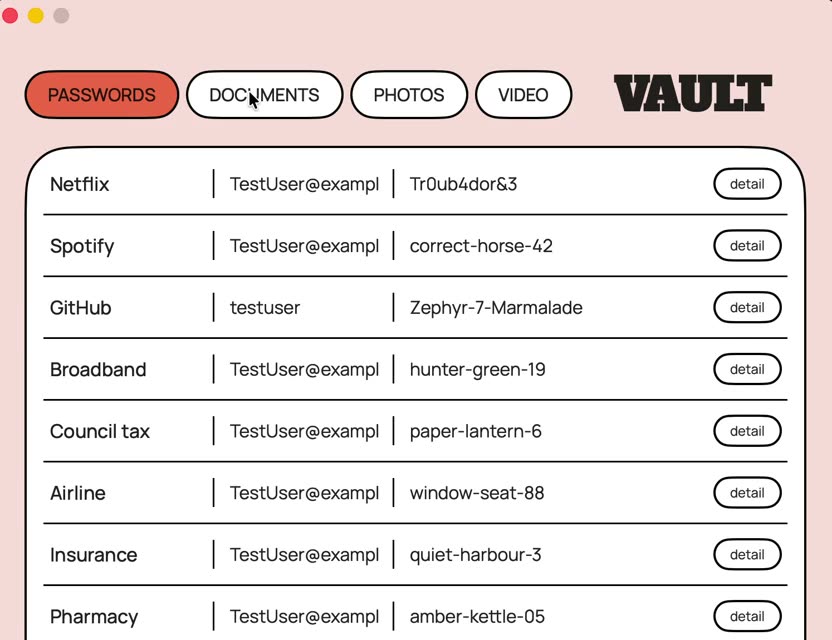
The passwords tab, a list of entries
Passwords
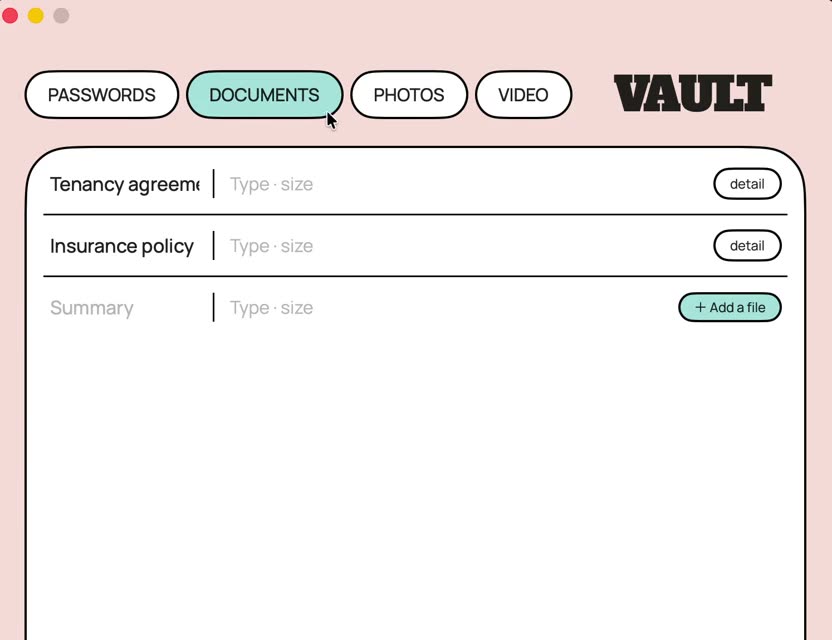
The documents tab
Documents
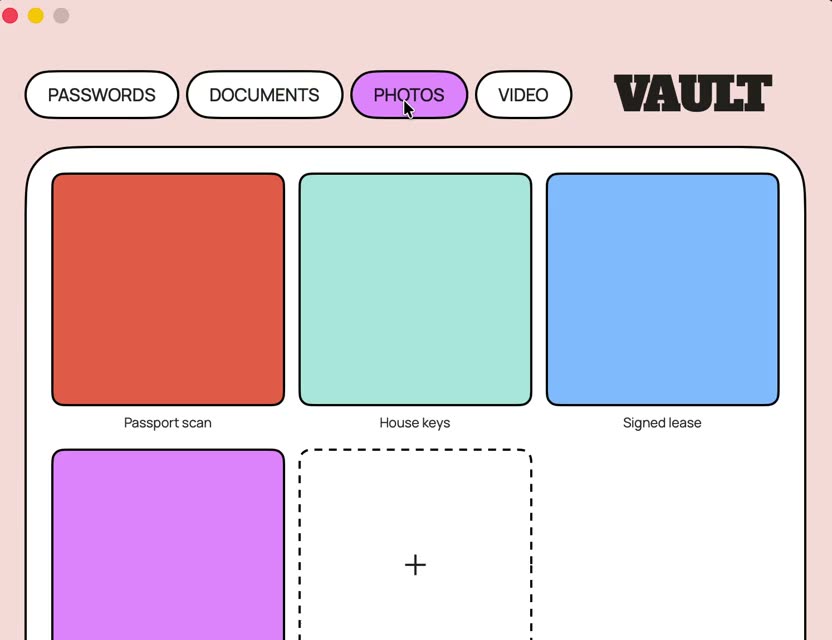
The photos tab, a grid of thumbnails
Photos
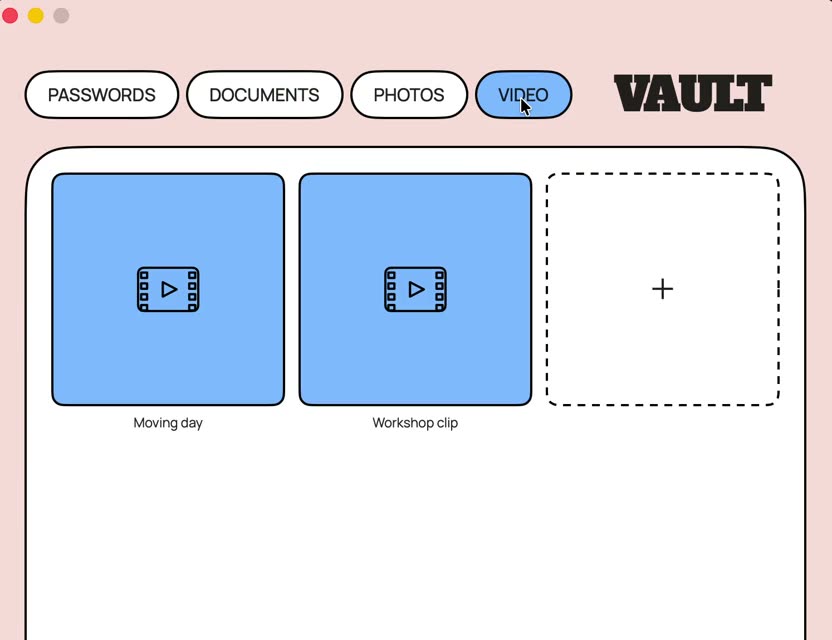
The video tab
Video

Screens show sample data, not a real vault.

It stays here.

No cloud.No account.No server.

I never built anywhere else for it to go — so there is nothing out there to break into, and nothing of yours for me to lose.

Take it.

Download for macOS Free · open source
RequiresmacOS 14 or later. Apple Silicon and Intel.
CostsNothing. There is no account to make and nothing to subscribe to.
Your dataTwo files and an attachments folder under ~/Library/Application Support/Vault/. Nowhere else.

The app is not signed, so macOS will stop you the first time.

Open System Settings → Privacy & Security, scroll down, and press Open Anyway. You only have to do it once. Touch ID is switched off in this build for the same reason — signing costs $99 a year and I have not paid it yet.

How it was made.

Built in conversation with Claude over three days. How it behaves came from using it. How it is built came from the conversation.

ConceptShih-Bo Chiu
A vault for everything, not just passwords — and what it refuses to do.
DirectionShih-Bo Chiu
The storybook visual language, the main screen, and every trade-off after it.
Architecture & buildPaired with Claude
The four key paths and the Swift implementation, worked out line by line.
TestingDaily use
The bugs that mattered were found by using it, not by testing it.
Built withNative SwiftUI. No frameworks, no package dependencies.
EncryptionAES-GCM for the data. PBKDF2 with 600,000 iterations on every key path.
Verified by103 checks that run before every release, including two that guard decision 3.
Sourcegithub.com/qiushibo-dev/vault — read it, the comments explain the decisions.